How to Fix Xeno Not Attaching (Block Pastebin & Roblox Downgrade)
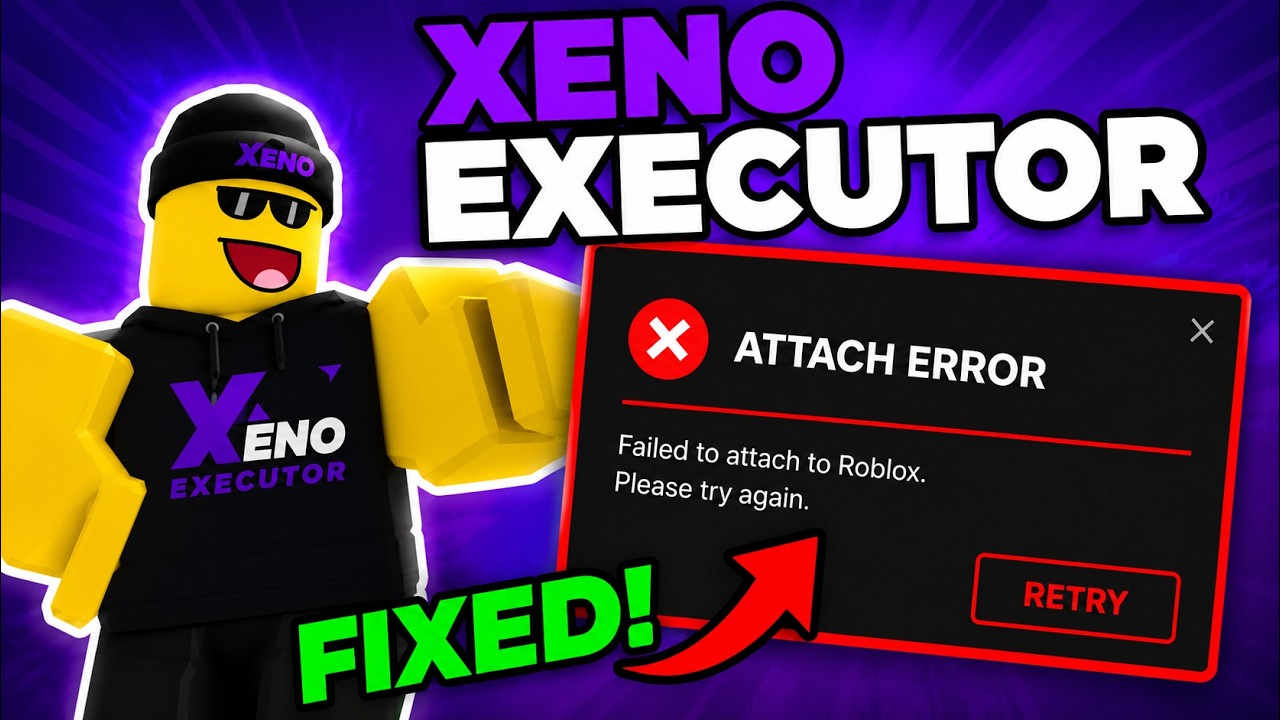
If you are experiencing issues where Xeno Executor fails to attach, gets stuck during injection, or freezes when launching Roblox, you are not alone. This guide provides the complete step-by-step fix to get Xeno attaching smoothly again.
Video Tutorial
Watch this video guide for a visual step-by-step walkthrough on resolving Xeno attach issues:
Watch Video Tutorial on YouTube
Method 1 – Windows Hosts File (Block Pastebin)
Blocking pastebin.com in your Windows system files prevents network timeout issues that cause Xeno's attach mechanism to hang.
- Press Win + S, search for Notepad, right-click it and select Run as Administrator.
- In Notepad, click File > Open and navigate to:
(Make sure to change the file filter from "Text Documents (*.txt)" to "All Files (*.*)" to see the hosts file).
C:\Windows\System32\drivers\etc\hosts - Add the following two lines at the bottom of your
hostsfile:127.0.0.1 pastebin.com
127.0.0.1 www.pastebin.com - Save the file (Ctrl + S) and close Notepad.
- Open Command Prompt (Admin) and run the following command to clear your DNS cache:
ipconfig /flushdns
Method 2 – Additional System & Security Fixes
If blocking Pastebin doesn't completely solve the attach issue, try these essential troubleshooting steps:
- Run as Administrator: Always right-click
Xeno.exeand select Run as Administrator to give it full memory access privileges. - Antivirus Exclusion: Windows Defender or third-party antivirus apps may silently block Xeno's attach DLL injection. Add your Xeno folder to Defender Exclusions.
- Reset Network Sockets: Open CMD as Administrator and type
netsh winsock reset, then restart your PC.
Method 3 – Downgrade Roblox Client (If Attach Still Fails)
If your Xeno still fails to attach after applying Method 1 and 2, your installed Roblox version might be ahead of Xeno's attachment hooks. Downloading and running a compatible Roblox client build will resolve the crash/attach issue immediately.
Download Compatible Roblox Client Build
Download the compatible Roblox player binary to restore Xeno attachment functionality:
Download Older Roblox Client BuildHow to Install the Downgraded Version:
- Close Roblox completely if it is currently running.
- Click the download button above to get the official Roblox setup package (version 145f189a6a974303).
- Run the installer and let it finish setting up the player files.
- Launch Roblox, join a game, and attach Xeno!
Don't forget to bookmark our website to stay updated with the latest Xeno updates, fixes, and Roblox scripts.
Thanks!